Understand any Japanese speaker, in Big English.
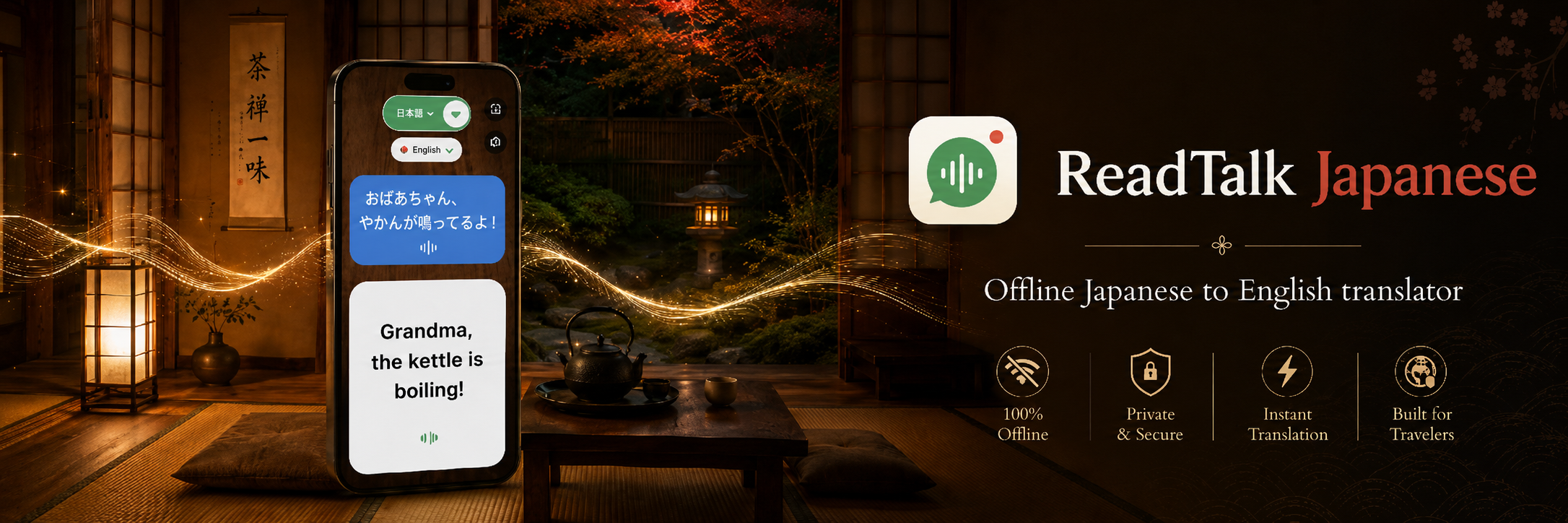
ReadTalk Japanese listens to the Japanese spoken around you and shows it as large, easy-to-read English, as they speak. It works fully offline, holds the last line on screen, and needs no account. Flip the flag and it reverses: you speak English, they read big Japanese in real kanji and kana. The simple way to understand Japanese speakers while traveling, at work, and at home. Available now for Android as a one-time $9.99, with the Apple App Store coming soon.
Tap the phone 👇 to see it live
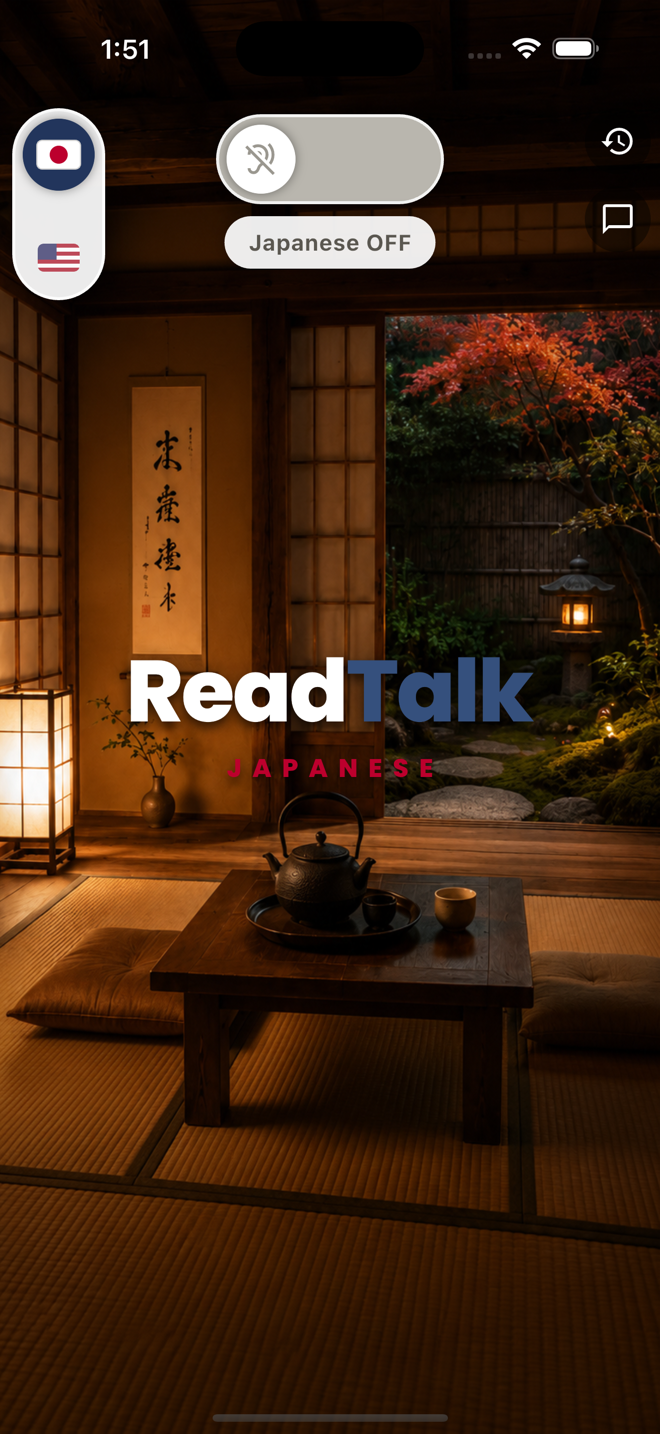
Good morning, would you like a coffee?
Most translators are built for typing,
not for real life
When a Japanese speaker is right in front of you, you do not have time to type, tap, hand over your phone, or wait for wifi. And typing Japanese back at them needs a keyboard you do not have.
You just need to read what they said.
Ordinary translator apps
- ✕Ask you to type or tap instead of just listening.
- ✕Live conversation modes need an internet connection.
- ✕Offline packs only translate typed text, and are clunky to manage.
- ✕Text is small and hard to read at arm's length.
- ✕The line is gone before you finish reading it.
- ✕Make you pass the phone back and forth through menus and tiny bubbles.
- ✕Ads and subscriptions crowd the words.
- ✕Often send your audio to a cloud server.
ReadTalk Japanese
- ✓Just listens to the Japanese, no typing.
- ✓Works 100% offline after you download and open the app. Airplane mode, subway platform, mountain village.
- ✓Nothing you hear leaves your phone. No servers, no cloud, no history anywhere but here.
- ✓One huge caption fills the screen.
- ✓Holds the last line until someone speaks again.
- ✓Flip the flag to reply: your English becomes big Japanese text, in real kanji and kana.
- ✓No ads, no subscription, no account.
- ✓Everything stays on your phone.
They speak Japanese,
you read English
They talk, you read. Flip the flag: you talk, they read.
Here is all there is to it.
Slide the switch
Open ReadTalk Japanese and slide one switch to start listening. No menus, no setup, no account to create first.
It hears the Japanese
As the person speaks Japanese, the app translates it on your phone, offline, and turns it into English right away.
You read big English
One large caption shows what they said and holds it on screen until the next thing is spoken, so you never miss a word.
A real-time Japanese voice translator
that you read
Real-time listening
The English appears as they speak, phrase by phrase. It keeps up with a real conversation, not a typed one.
Fully offline
Does all of its work on the device. No wifi, no signal, no data roaming, no pocket wifi to rent. Turn on airplane mode over the Pacific and it still works.
Big, easy-to-read text
One large caption, sized to read across a table, across a counter, or from the passenger seat. No tiny bubbles.
Holds the last line
The last thing said stays on your screen until someone speaks again, so you always have time to read it.
Flip it to reply
Slide the flag and it reverses: you speak English, they read big Japanese text in kanji, hiragana, and katakana. One phone, both directions, nothing to learn.
Private by design
No account, no sign-up, no tracking. Your conversations never leave your phone.
Read the privacy details →Text big enough to read
across a table
Someone says 「おはようございます、コーヒーはいかがですか。」 and this is what you read.
Drag the slider to see how large the English caption can go.
For anyone who needs to understand
the Japanese around them
At work
Understand Japanese clients, suppliers, and colleagues. Follow a factory-floor walkthrough, a supplier meeting, or a site visit in real time, and answer back with the flag slider, without asking anyone to slow down or repeat.
While traveling
Order at a ramen counter in Tokyo, check in to a ryokan in Kyoto, find out which platform the train leaves from, follow a shopkeeper in an Osaka back street. No SIM card, no data roaming, no pocket wifi to rent. It works in airplane mode.
At home & with family
Follow Japanese in-laws, a homestay student, or a grandmother who never switched to English, without asking anyone to repeat. When someone you love speaks Japanese faster than you can follow, put the phone on the table and read along.
ReadTalk Japanese listens and shows text. It never speaks out loud: both sides read the screen, which keeps things calm, quiet, and polite on a train, in a shop, or at a family table, where a phone talking out loud would not be welcome. It does not translate documents, photos, or phone calls. It does one thing extremely well: live Japanese speech, right in front of you, turned into big readable English.
Japanese translator questions,
answered
Does ReadTalk Japanese work offline, without internet? +
What does ReadTalk Japanese actually do? +
Can they read what I say back? Is it two-way? +
Is there a subscription, or an account to create? +
Does it show real Japanese writing, with kanji and kana? +
Get
ReadTalk Japanese
A one-time $9.99 buys it outright. Fully offline, no subscription, no ads, no account.
Available for Android direct from readtalk.app, with the Apple App Store coming soon.